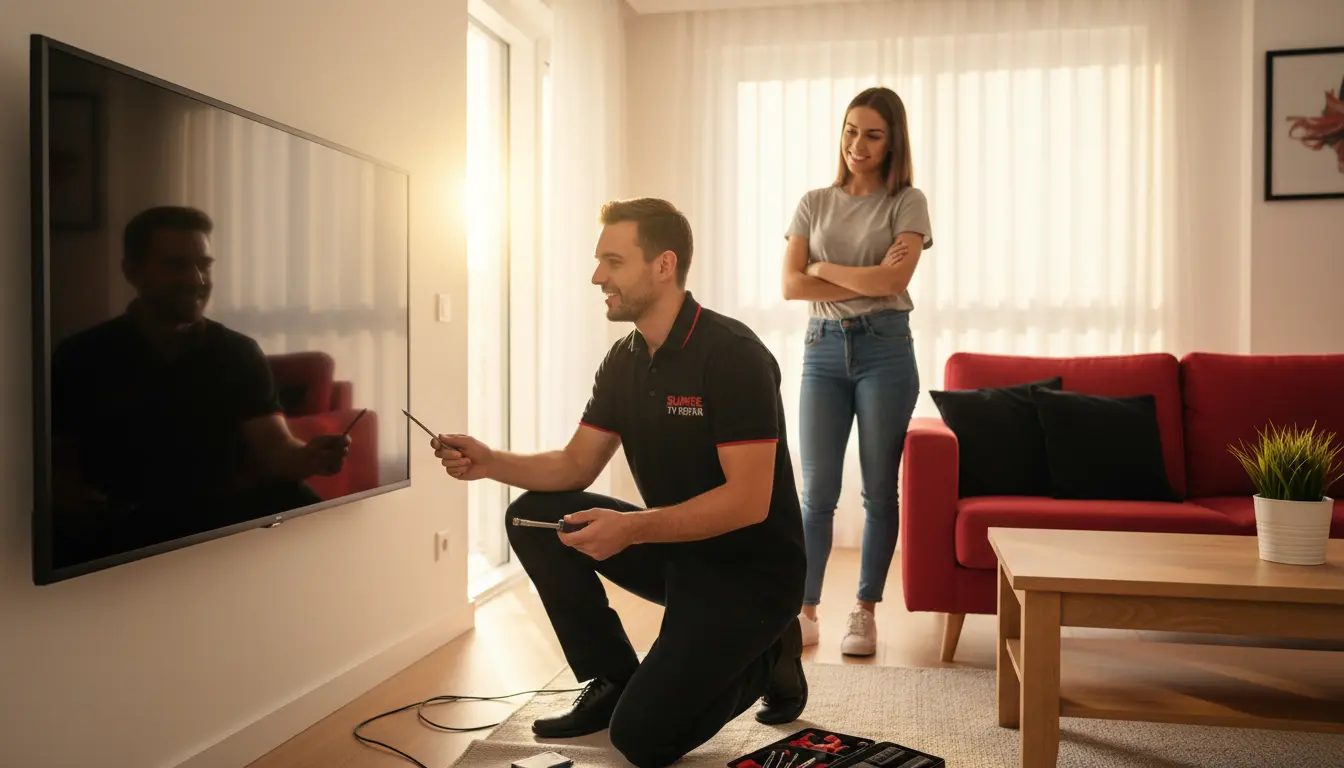
Imagine settling in for your favorite show in the heart of Sunrise, only to be met with stunning visuals but complete silence. Frustrating, right? At Sunrise TV Repair, we’ve seen this issue countless times among our local customers, from busy families in Washington Park to retirees in Springtree. No sound on your TV can stem from simple glitches or more complex hardware problems, but the good news is that many can be resolved quickly without calling in the pros right away. In this guide, we’ll walk you through expert-recommended troubleshooting steps tailored for Sunrise residents. Whether you’re dealing with a smart TV or an older model, these tips will help you get back to enjoying crystal-clear audio in no time. And if DIY doesn’t cut it, our team at Sunrise TV Repair is just a call away, serving the entire Sunrise area with prompt, reliable service.
Understanding Common Causes of TV Audio Loss
Before diving into fixes, it’s essential to pinpoint why your TV has gone silent. Audio issues often arise from everyday mishaps rather than major failures, especially in humid Florida climates like ours in Sunrise.
Software Glitches and Settings Mix-Ups
One of the most frequent culprits is a temporary software hiccup. Smart TVs, popular in homes around North Lauderdale, can freeze or default to muted settings after updates. Check if the volume is turned down or muted—sometimes, it’s as simple as pressing the remote’s volume buttons. If your TV connects to external devices like soundbars, ensure they’re not overriding the audio output.
Hardware Connections and Cable Problems
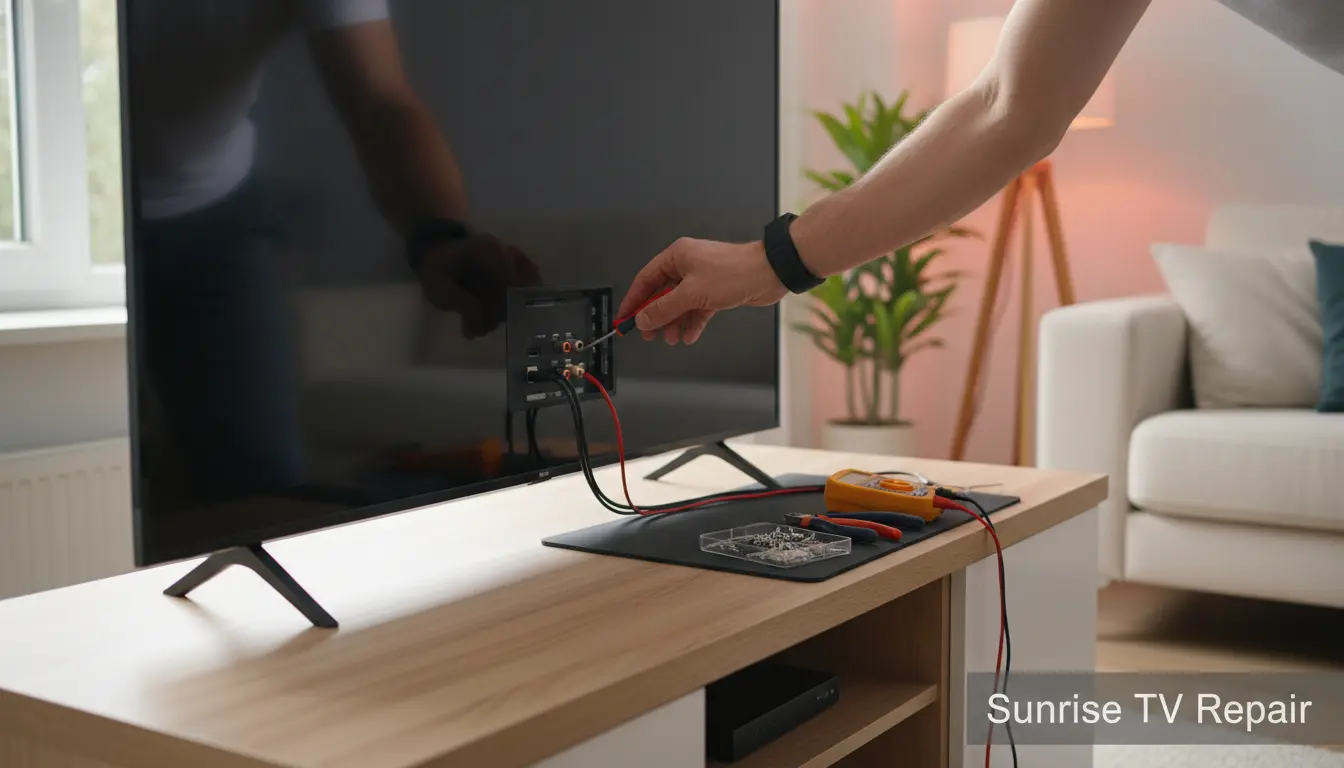
Loose cables are another common issue. In bustling households in Sawgrass, kids or pets might accidentally tug on HDMI or audio cables. Inspect all connections at the back of your TV, including RCA, optical, or coaxial cables. For those using remote programming services, a mismatched remote could also be silencing your setup.
Overheating or Power Surges
Sunrise’s warm weather can cause TVs to overheat, leading to protective shutdowns of audio components. Power surges from afternoon storms are also notorious here—consider using a surge protector to safeguard your electronics.
Step-by-Step Quick Fixes to Restore TV Sound
Don’t panic; start with these straightforward solutions. We’ve helped hundreds of Sunrise customers regain their audio using these methods during our full diagnostic service.
Fix 1: Restart Your TV and Connected Devices
The classic reboot often works wonders. Unplug your TV from the power outlet for at least 60 seconds—this allows capacitors to discharge and clears temporary glitches. While you’re at it, restart any connected devices like cable boxes or streaming sticks. In areas like Plantation Isles, where power fluctuations are common, this simple step resolves up to 70% of no-sound complaints we encounter.
Pro Tip: If your TV has a power button on the unit itself, hold it down for 10 seconds to force a hard reset. This is especially useful for LED and OLED models prevalent in Sunrise homes.
Fix 2: Adjust Audio Settings and Output Options
Navigate to your TV’s settings menu (usually under ‘Sound’ or ‘Audio’). Ensure the output is set to ‘TV Speakers’ rather than an external device. For smart TVs, disable features like ‘Auto Mute’ or ‘Eco Mode’ that might suppress sound.
If you’re experiencing distorted audio before it cuts out, it could indicate a need for picture calibration alongside audio tweaks, as sync issues between video and sound are common.
Fix 3: Check and Clean Connections
Power off your TV and gently remove all cables. Inspect for bent pins, frayed wires, or dust buildup—Sunrise’s dusty environment can exacerbate this. Clean ports with compressed air, then reconnect firmly. Test with a different HDMI cable if available; we’ve seen faulty cables cause audio dropouts in many Washington Park repairs.
For older plasmas, consider if the issue ties into plasma panel fix needs, as aging panels often affect both picture and sound integrity.
Fix 4: Update Firmware and Apps
Outdated software is a silent killer for audio on modern TVs. Go to your TV’s settings > Support > Software Update, and install any available patches. Streaming apps like Netflix or Hulu, favorites among Springtree viewers, might also need updates—check within the app stores on your TV.
Fix 5: Test with External Audio Sources
Plug in headphones or connect to Bluetooth speakers to isolate if the problem is with the TV’s internal speakers. If external audio works, the issue might be speaker failure, common in high-use environments like family rooms in North Lauderdale. At this point, professional intervention via our T-Con board repair could be necessary if boards are implicated.
When to Call in the Professionals in Sunrise
While these quick fixes handle most cases, persistent no-sound issues might signal deeper problems like faulty audio boards or capacitor failures. In Sunrise, where reliable TV service is crucial for evening unwindings, don’t hesitate to reach out to Sunrise TV Repair. We offer same-day diagnostics for residents in Sawgrass and beyond, ensuring minimal downtime. Our technicians are certified for all major brands, from Samsung to LG, and we pride ourselves on transparent pricing—no hidden fees for our Sunrise community.
Local insight: During peak seasons, like holiday movie marathons in Plantation Isles, audio repairs spike. Booking early prevents delays.
FAQ: Common Questions About TV No-Sound Issues
Why is there no sound on my TV but the picture is fine?
This is typically due to muted settings, loose cables, or software glitches. Start with a restart and settings check as outlined above. If it persists, it could be a hardware fault requiring expert diagnosis.
Can I fix TV sound problems myself without tools?
Absolutely! Most quick fixes need no tools—just your remote and patience. For Sunrise folks, these steps often suffice before considering pro help from us at Sunrise TV Repair.
How long does it take to repair TV audio in Sunrise?
DIY fixes can take 5-15 minutes. Professional repairs at our service usually wrap up in 1-2 hours for simple issues, with on-site options available in areas like Springtree.
Does weather in Sunrise affect TV sound?
Yes, humidity and surges can. Protect your TV with covers and surge protectors to avoid common audio disruptions we see post-storms.
What if my TV is under warranty?
Contact the manufacturer first, but for faster local service in Washington Park, Sunrise TV Repair can assist with warranty claims while providing interim fixes.
Conclusion: Get Your TV Sound Back Today
No sound on your TV doesn’t have to ruin your day in Sunrise. With these expert quick fixes from Sunrise TV Repair, you can troubleshoot effectively and enjoy uninterrupted entertainment. From restarting devices to checking connections, taking action now saves time and frustration. If these steps don’t resolve the issue, trust our skilled team for a thorough full diagnostic service tailored to your setup. Serving proud communities like North Lauderdale and Sawgrass, we’re committed to keeping your home theater humming. Contact Sunrise TV Repair today at (877) 541-0623 or visit our site to schedule—your perfect audio awaits!