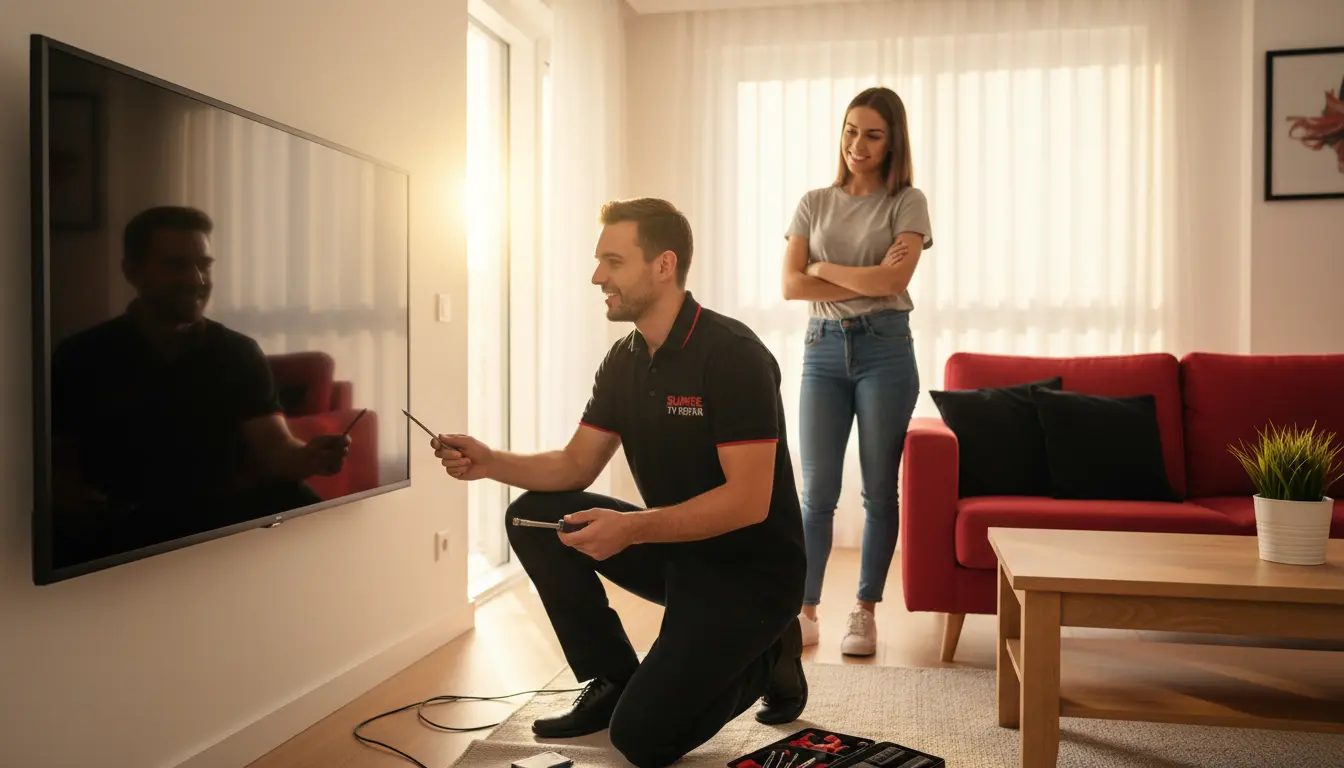
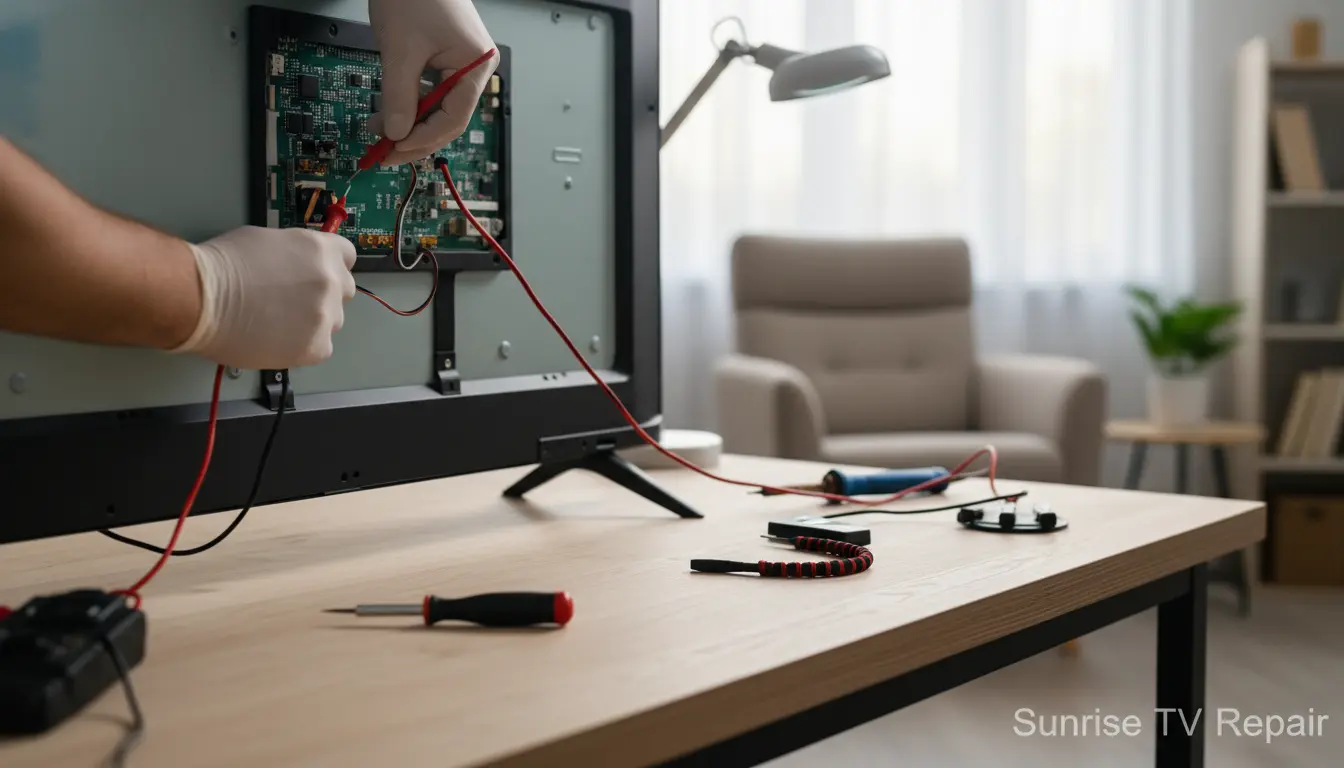
Is your Smart TV suddenly refusing to connect to Wi-Fi, displaying a blank screen, or blasting out distorted audio? You’re not alone—Smart TVs are marvels of technology, but like any gadget, they can glitch out at the worst times. Whether you’re binge-watching your favorite series or catching up on local Sunrise news, a malfunctioning TV can put a damper on your evening. At Sunrise TV Repair, we’ve seen it all in our Sunrise service area, from flickering displays to unresponsive remotes. But before you panic and reach for the phone, our step-by-step guide will empower you to tackle common Smart TV problems yourself. With practical tips tailored for homeowners in Sunrise and nearby spots like Sawgrass, you’ll be back to streaming in no time. If DIY doesn’t cut it, our technicians are just a call away for professional fixes.
Understanding Common Smart TV Issues
Smart TVs integrate streaming, apps, and smart home features, which means more potential points of failure. In sunny Sunrise, where power surges from afternoon storms are common, issues like overheating or electrical glitches aren’t uncommon. Let’s break down the most frequent culprits:
Power and Startup Problems
If your TV won’t turn on, start with the basics. Check if it’s plugged in securely—loose cords can mimic a dead set. In areas like Washington Park, where humidity can affect outlets, ensure your power strip isn’t faulty. Try a different outlet or power cord if available. If the TV powers on but shows a black screen, it could be a backlight issue. For persistent problems, consider our LED Backlight Replacement service to restore your picture quality without hassle.
Connectivity Woes: Wi-Fi and Streaming
No internet? Smart TVs rely on stable Wi-Fi for apps like Netflix or Hulu. Restart your router and TV—unplug both for 30 seconds. In Margate and surrounding neighborhoods, spotty signals from dense foliage can interfere, so reposition your router closer to the TV. Update your TV’s firmware via settings if connected; outdated software often causes buffering. If apps crash repeatedly, clear the cache in your TV’s app manager. For hardware-related network glitches, our Full Diagnostic Service can pinpoint the exact cause.
Audio Glitches and No Sound
Nothing kills the mood like silent explosions in an action flick. Check volume settings and ensure external speakers or soundbars are connected properly. Mute might be on, or the audio output could be set to an unused device. In Parkland homes with complex setups, HDMI issues might be to blame—try switching ports. If sound is distorted, adjust equalizer settings or perform a factory reset as a last resort. Persistent audio problems? Don’t suffer in silence; book our Audio Output Fix to get crystal-clear sound back.
Step-by-Step Troubleshooting Guide
Now, let’s dive into actionable steps. Follow these systematically to avoid unnecessary frustration. Remember, safety first—unplug your TV before any internal checks.
Step 1: Basic Power Cycle and Checks
- Unplug the TV from the wall for at least 60 seconds. This resets internal capacitors and clears temporary glitches.
- While unplugged, inspect cables: HDMI, power, and Ethernet. In Welleby, where dust buildup is common due to construction nearby, clean ports gently with compressed air.
- Plug back in and turn on. If it boots slowly, give it time—Smart TVs load multiple systems.
If this doesn’t work, note any error codes on screen; they guide our techs during repairs.
Step 2: Software and App Troubleshooting
Smart TVs run on operating systems like Android TV or webOS, which can bog down with updates.
- Update Firmware: Go to Settings > System > About > System Update. In Sunrise, where internet speeds vary, use a wired connection for faster downloads.
- Clear App Data: For specific apps, navigate to Apps > Select App > Clear Cache/Data. This fixes freezing without losing your logins.
- Factory Reset: As a nuclear option, back up settings first. Hold the power button for 10 seconds or use the reset menu. Post-reset, reconfigure Wi-Fi and apps.
Pro Tip: If you’re in a multi-TV household like many in Sawgrass, test on another device to rule out network-wide issues.
Step 3: Hardware Diagnostics
When software fails, hardware might be the villain.
- Remote Issues: Replace batteries or pair a new remote. If unresponsive, clean sensors.
- Screen Problems: For dead pixels or lines, gently tap the frame (unplugged!). Vertical lines often signal panel failure—time for pros.
- Port Checks: Loose HDMI? Wiggle-test it. Damaged ports need repair; our HDMI Port Repair service handles this swiftly, especially for gamers in Washington Park.
In humid Sunrise climates, corrosion on ports is frequent—use isopropyl alcohol for cleaning.
Step 4: Advanced Fixes for Persistent Problems
Overheating? Ensure vents are dust-free and place the TV away from direct sun or heat sources. In Margate’s warm weather, this is crucial.
For freezing during use, close background apps and limit connected devices on your network. If your TV supports it, enable energy-saving modes to prevent thermal shutdowns.
If troubleshooting reveals mounting issues—like a wall-mounted TV shifting and causing connections to loosen—consider professional Wall Mounting Service to secure it properly.
When to Call the Professionals
DIY has limits. If your TV is under warranty, avoid opening it yourself. In Parkland and Welleby, where homes often feature high-end models, delicate repairs prevent voiding coverage. Signs you need help:
- No response after full reset.
- Visible damage or burning smells.
- Complex issues like motherboard failure.
Sunrise TV Repair serves all of Sunrise and extends to areas like Sawgrass and Margate with same-day service. Our certified techs use genuine parts for lasting fixes.
FAQ: Common Smart TV Questions
1. Why is my Smart TV not connecting to Wi-Fi?
This could be due to incorrect password, signal interference, or outdated firmware. Restart devices and check settings. If in a congested network like those in busy Washington Park, upgrade your router.
2. How do I fix a frozen Smart TV screen?
Perform a power cycle first. If persistent, clear cache or reset. For hardware faults, contact us for diagnostics.
3. Can I repair my TV remote myself?
Yes, start with batteries. For pairing issues, follow your model’s instructions. If broken, we offer replacements during service visits.
4. What causes random shutdowns on my Smart TV?
Overheating, power surges, or software bugs. In Sunrise’s stormy season, use a surge protector. Schedule a check-up if it continues.
5. Is factory reset safe for my Smart TV?
It erases settings but not hardware. Back up apps first. It’s reversible by reconfiguration.
Conclusion: Get Your Smart TV Back in Action Today
Troubleshooting Smart TV problems doesn’t have to be overwhelming. With these steps—from power cycles to software tweaks—you can resolve most issues right at home in Sunrise. We’ve helped countless residents in Parkland, Welleby, and beyond reclaim their entertainment setups. But if your TV needs more than a quick fix, trust Sunrise TV Repair for expert, affordable service. Whether it’s a simple diagnostic or full repair, we’re your local go-to. Don’t let glitches ruin your downtime—contact us now for a free quote and get streaming seamlessly again!