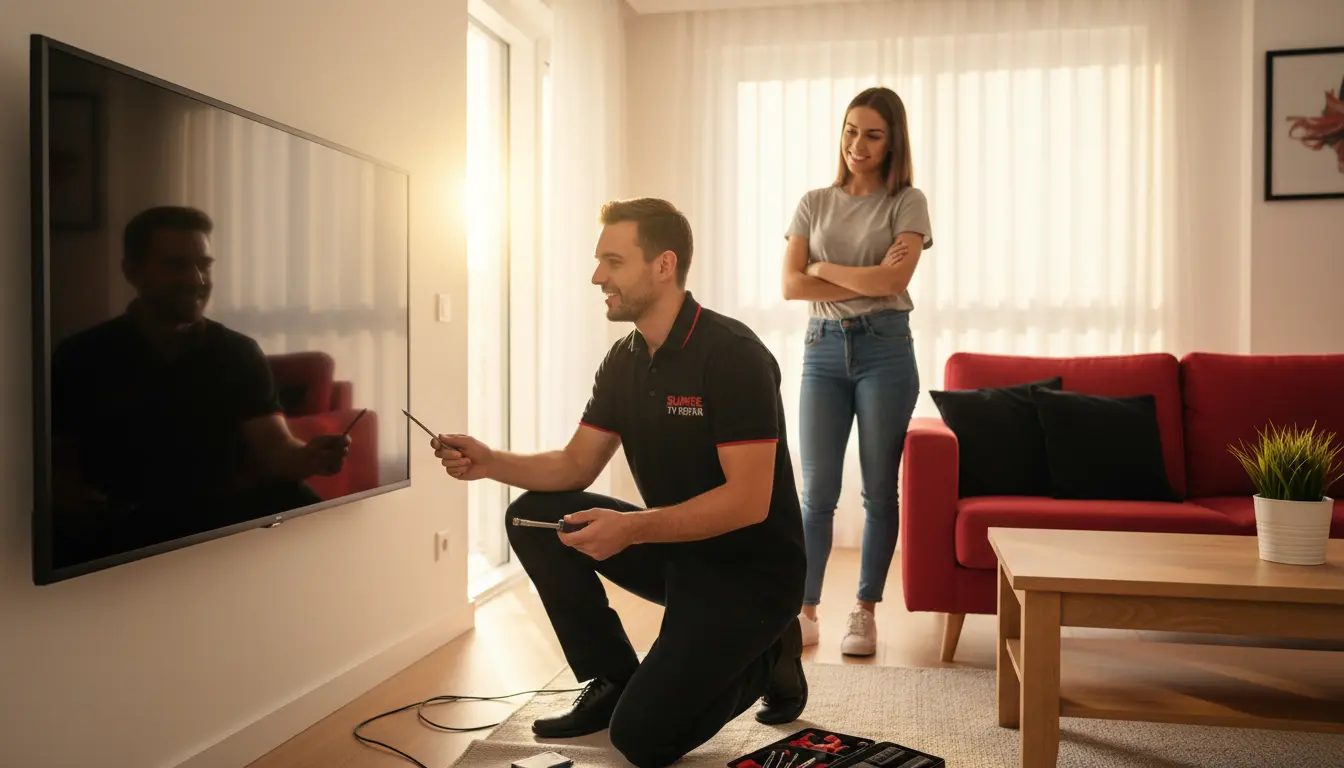
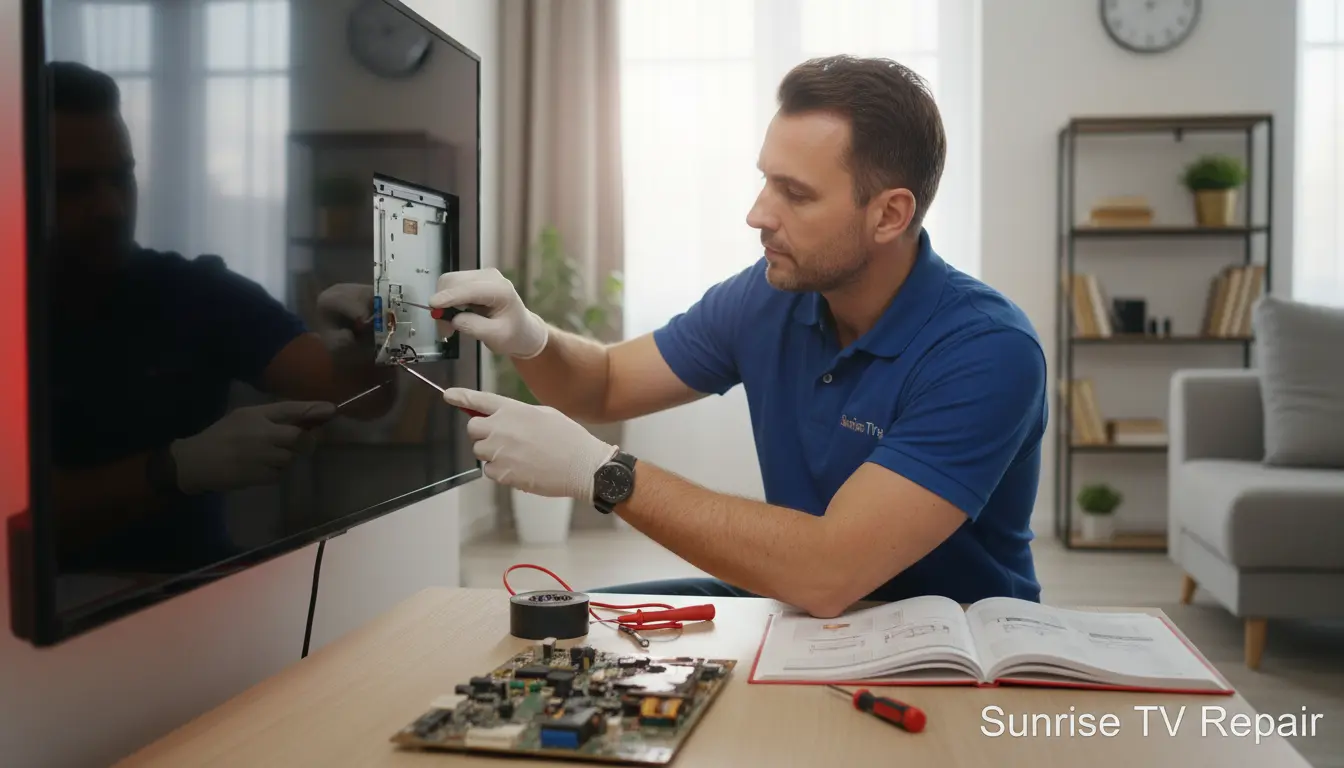
Your TV is the heart of family entertainment in sunny Sunrise, Florida. Whether you’re binge-watching the latest series or catching up on local sports, nothing disrupts the vibe like a sudden breakdown. But did you know many TV issues stem from everyday slip-ups? At Sunrise TV Repair, we’ve seen it all—from flickering screens to total blackouts—and most could have been prevented.
In this guide, we’ll uncover six common TV mistakes that lead to expensive fixes. Drawing from our years serving Sunrise and nearby areas like Riverland and Hiatus, we’ll share practical tips to keep your investment safe. Ready to safeguard your setup? Let’s dive in and ensure your viewing experience stays crystal clear.
Mistake 1: Neglecting Regular Cleaning and Dust Buildup
Dust might seem harmless, but in the humid climate of Sunrise, it can wreak havoc on your TV’s internals. Over time, accumulated grime clogs vents, leading to overheating and component failure. We’ve repaired countless units where simple dust was the culprit, turning a $50 cleaning into a $500 overhaul.
How to Clean Your TV Properly
Start by powering off and unplugging your TV. Use a soft, microfiber cloth to gently wipe the screen—avoid harsh chemicals that can damage the anti-glare coating. For vents, use compressed air to blow out dust, but never vacuum, as static can zap sensitive parts. In Sunrise’s dusty winds, aim for monthly cleanings.
If dust has already caused issues like intermittent signal loss, consider our signal booster installation service to restore optimal performance without invasive repairs.
Mistake 2: Exposing Your TV to Direct Sunlight and Heat
Sunrise’s bright Florida sun is a blessing for outdoor living, but indoors, it can fade your TV screen and warp internal components. Prolonged exposure causes color distortion and premature LED burnout, a frequent issue we fix for residents in hot spots like Sawgrass.
Positioning Tips for Optimal Viewing
Place your TV away from windows or use sheer curtains to diffuse light. Maintain a room temperature between 60-80°F—fans or AC help in our subtropical weather. If your TV’s already showing yellowing or hot spots, a quick full diagnostic service at Sunrise TV Repair can pinpoint heat-related damage early.
Pro tip: Wall-mount your TV higher to avoid direct rays, but ensure secure installation to prevent another common error we’ll cover next.
Mistake 3: Improper Mounting and Cable Management
Mounting your TV for that sleek look is popular in modern Sunrise homes, but doing it wrong invites vibrations, loose connections, and even falls. We’ve rushed to North Lauderdale for emergency fixes after shaky mounts damaged HDMI ports.
Safe Mounting Practices
Always use VESA-compatible brackets rated for your TV’s size and weight. Secure cables neatly with ties to avoid strain—tugging can loosen ports over time. For larger screens, professional help is key; our team ensures stability tailored to your space.
If mounting has already frayed your connections, our HDMI port repair experts can restore functionality swiftly, saving you from replacement costs.
Mistake 4: Ignoring Power Surges and Unstable Electricity
Thunderstorms are no stranger in Sunrise, and power surges from them can fry your TV’s circuitry. Skipping surge protectors leaves your device vulnerable, leading to capacitor failures that aren’t cheap to replace.
Protecting Against Electrical Issues
Invest in a quality surge protector with at least 2000 joules of protection—whole-home options are ideal for frequent storms. Unplug during outages to avoid spikes on power-up. Serving areas like Washington Park, we’ve seen surges cause up to 70% of preventable repairs.
For TVs showing glitchy power behavior, our firmware update service often resolves surge-induced software glitches alongside hardware checks.
Mistake 5: Skipping Software Updates and Remote Issues
Modern smart TVs thrive on updates, but ignoring them exposes you to bugs, security risks, and performance lags. In our service calls around Hiatus, outdated firmware frequently causes freezing or connectivity woes.
Keeping Your TV Updated
Check for updates monthly via your TV’s settings menu—enable auto-updates if available. For remotes going haywire, clean batteries and reprogram as needed. If apps crash persistently, it’s time for expert intervention.
Our remote programming ensures seamless control, preventing small glitches from escalating into full system failures.
Mistake 6: Mishandling Physical Interactions and Overuse
Kids jumping on the couch or accidental bumps can crack screens or dislodge internals. In active Sunrise households, overuse without breaks also strains the backlight, shortening lifespan.
Everyday Handling Advice
Teach family to handle remotes gently and keep the TV out of play zones. Limit marathon sessions with 10-minute breaks to let it cool. For pet-friendly homes in Riverland, consider protective cabinets.
If physical mishaps occur, don’t DIY—our diagnostics catch hidden damage before it worsens.
Frequently Asked Questions (FAQ)
1. How often should I service my TV in Sunrise?
We recommend annual check-ups, especially with our humid climate. A full diagnostic service catches issues early.
2. Can I fix HDMI issues myself?
Minor cleanings help, but for port damage, professional HDMI port repair is safest to avoid further harm.
3. What if my TV won’t turn on after a storm?
Unplug it first, then try a surge protector. If no luck, contact us for surge-related diagnostics in areas like North Lauderdale.
4. Are software updates really necessary?
Yes—they fix bugs and boost security. Our firmware update service handles complex ones.
5. How do I choose a TV repair service in Sunrise?
Look for local expertise like ours at Sunrise TV Repair, serving from Sawgrass to Washington Park with quick, reliable fixes.
Conclusion: Keep Your TV Thriving with Expert Help
Avoiding these six common TV mistakes can save you hundreds in repairs and extend your device’s life. From dust in Sunrise’s air to storm surges, proactive care is your best defense. At Sunrise TV Repair, we’re your local pros, ready to help with everything from diagnostics to installations.
Don’t wait for a breakdown—schedule your service today and enjoy uninterrupted entertainment. Serving Sunrise and beyond, we’ve got you covered!